How to share posts with a client for review in SocialYak
Clients often want to see posts before they go live, but they shouldn't need a SocialYak login. A review link shows that client's posts waiting for approval, and they approve or request changes from their browser.
Before you start
- A Growth or Agency plan
- Posts for the client submitted for approval
Preview voice Narrated with a local preview voice; the final recording replaces it.
Transcript
Send a client one link where they approve their posts, with no account needed.
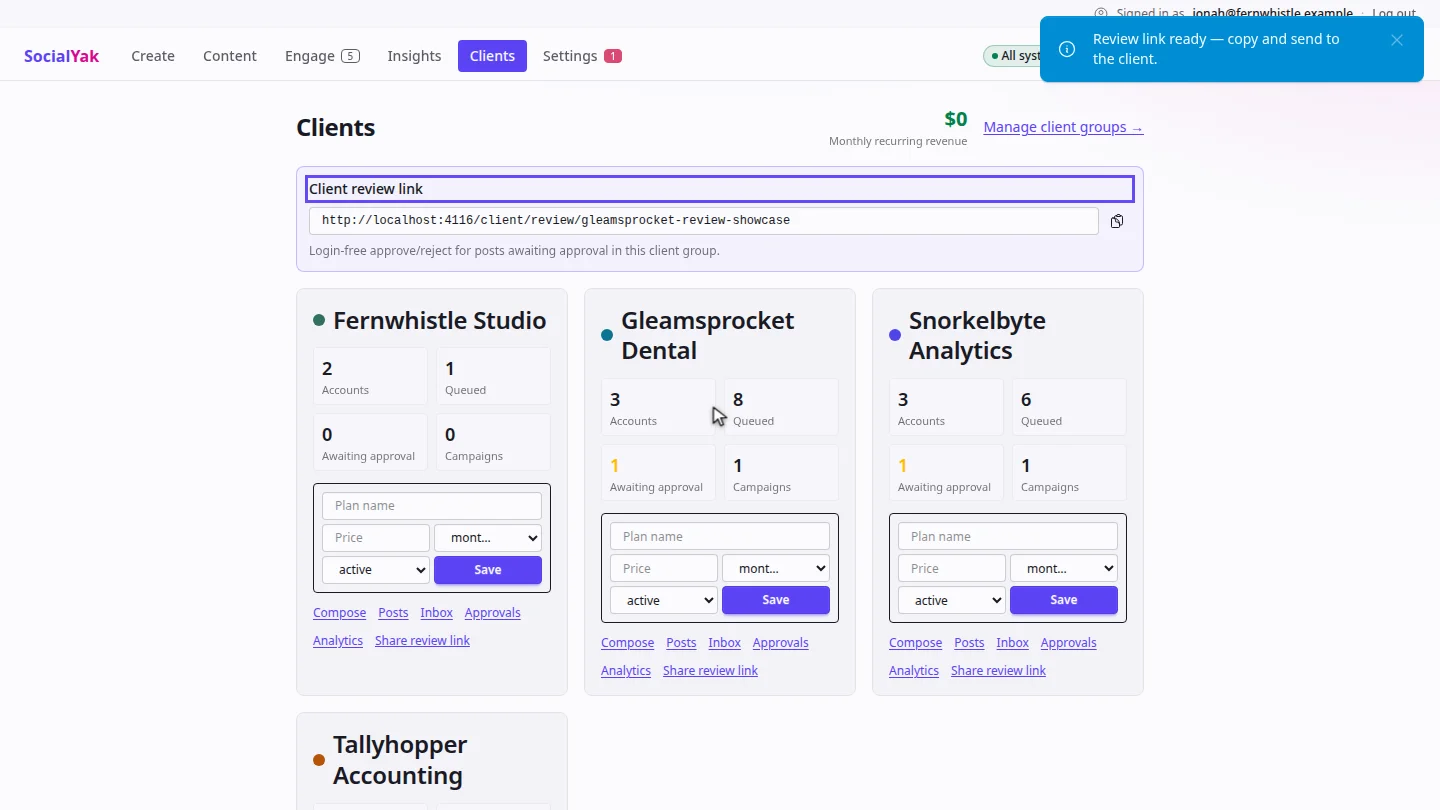
On Clients, select Share review link on the client's card. The link appears at the top of the page.
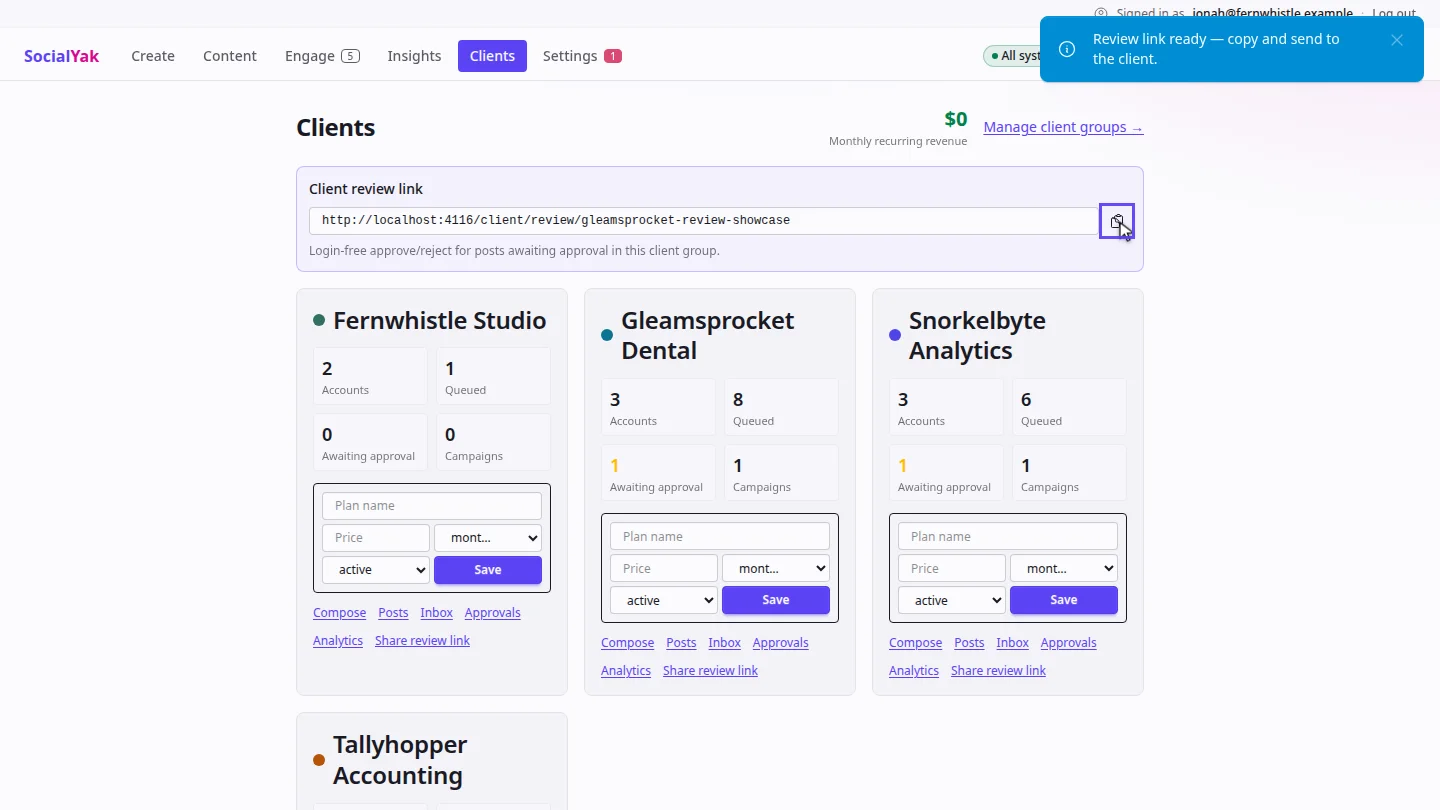
Select the copy button, and send the link to your client by email or chat.
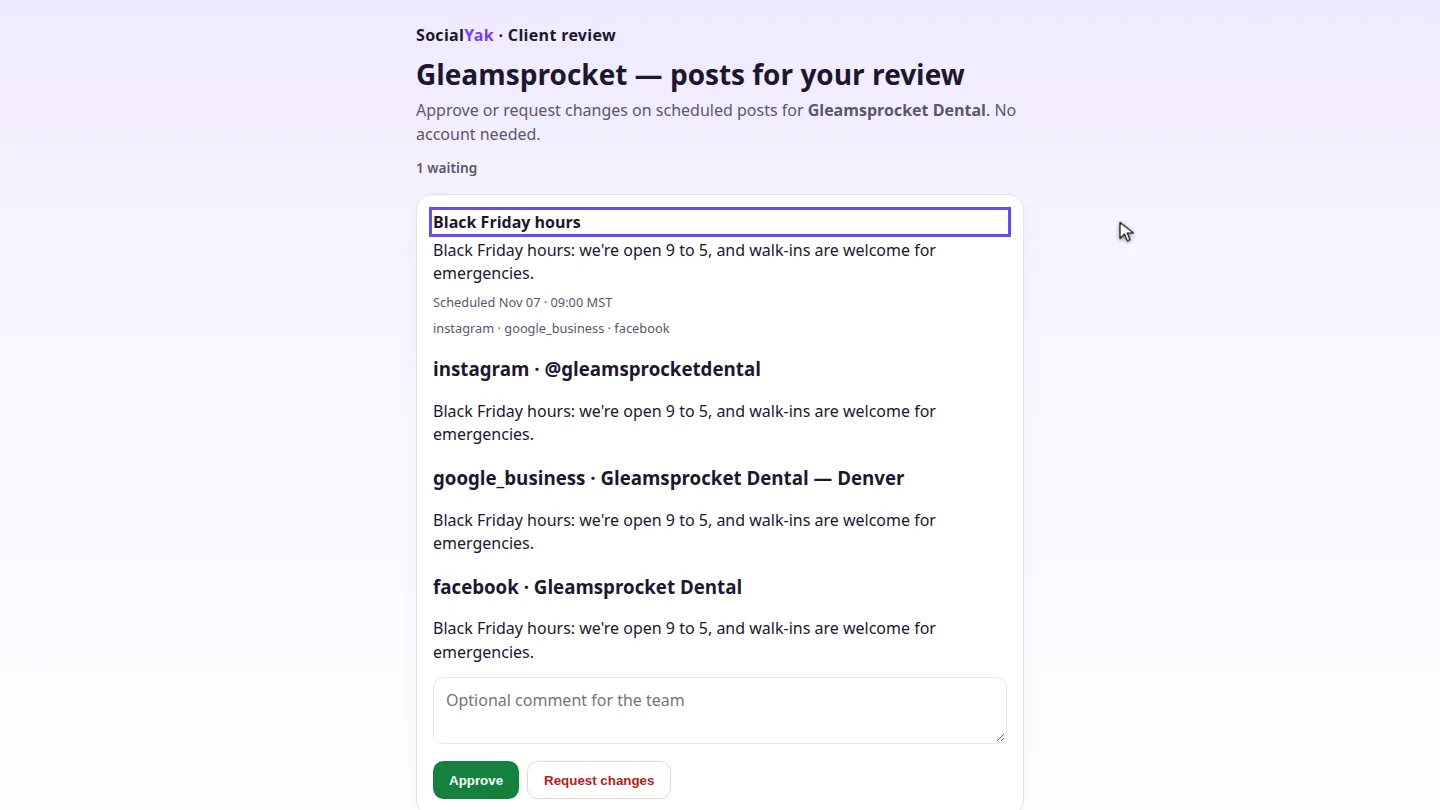
Your client opens the link and sees each post waiting for review, with its networks and scheduled time.
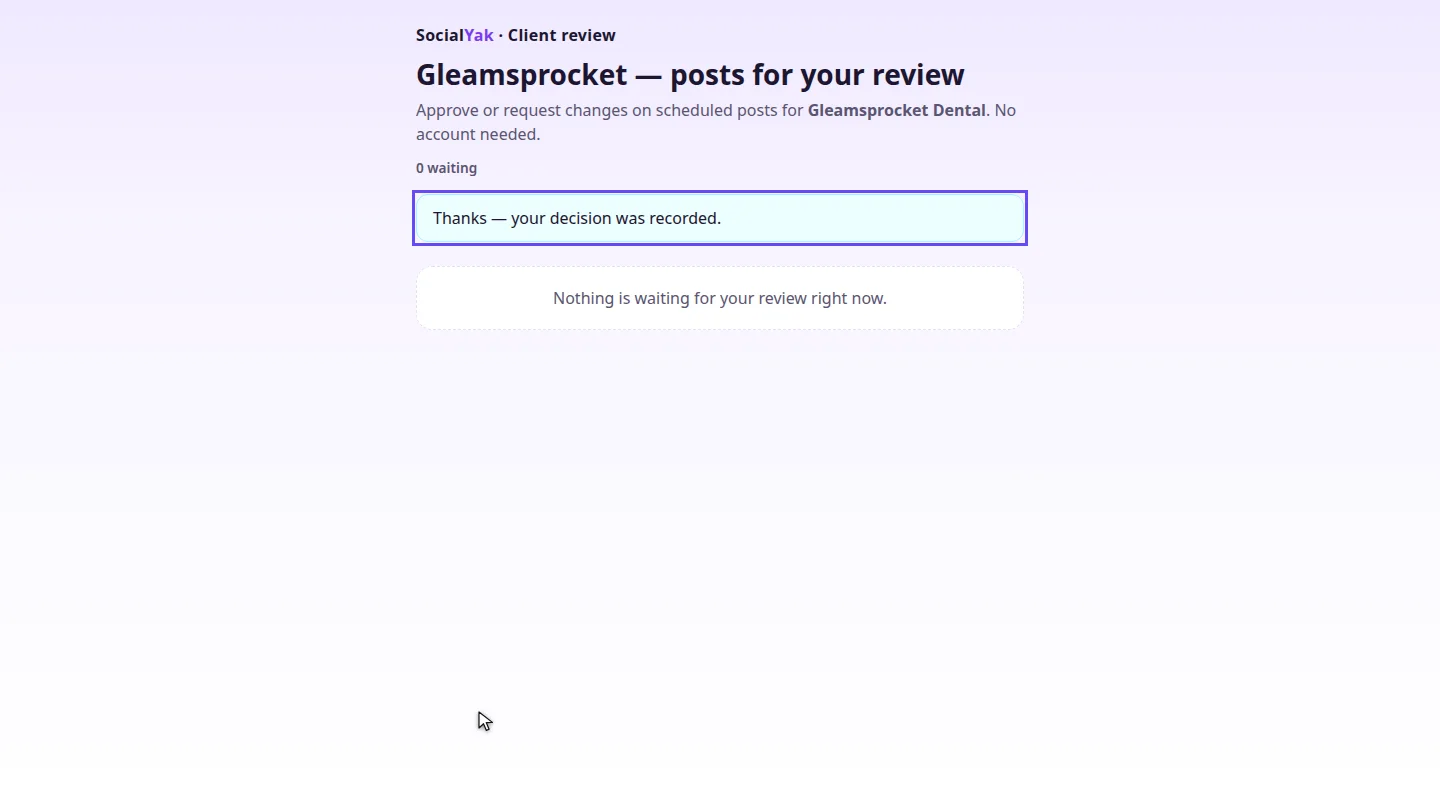
They can add a comment, then approve or request changes. Their decision is recorded, and an approved post keeps its schedule.
Steps
Create the link ▶ 0:06
In Clients, select Share review link on the client's card. The Client review link appears.
Copy and send it ▶ 0:14
Select Copy review link next to the link, and send it to your client.
What your client sees ▶ 0:20
Your client opens the link. Each post waiting for approval shows its text, networks and scheduled time.
Your client decides ▶ 0:27
Your client can add a comment, then selects Approve or Request changes.
Next steps
Updated 2026-10-26
client approval approval link client portal review link